
Looking for a free signature pad app for your Android phone or iPhone? Remote Signature Pad comes in two mobile versions, and both are on Google Play and the App Store. You can start with the free Lite version and move to the full version when you need more.
Remote Signature Pad Lite (free)
Lite is the free trial. It allows one signature connection session per day, which is enough to test that your phone, your computer and your documents work together. Find it on Google Play or the App Store.
Remote Signature Pad full version
The full version has no daily limit, so you can sign as often as you need. It is the better choice if you sign documents every day, for example at a counter or in an office.
The computer app is free
Both versions work with the same free computer app for Windows 10 or later and macOS. Download it from the Downloads page.
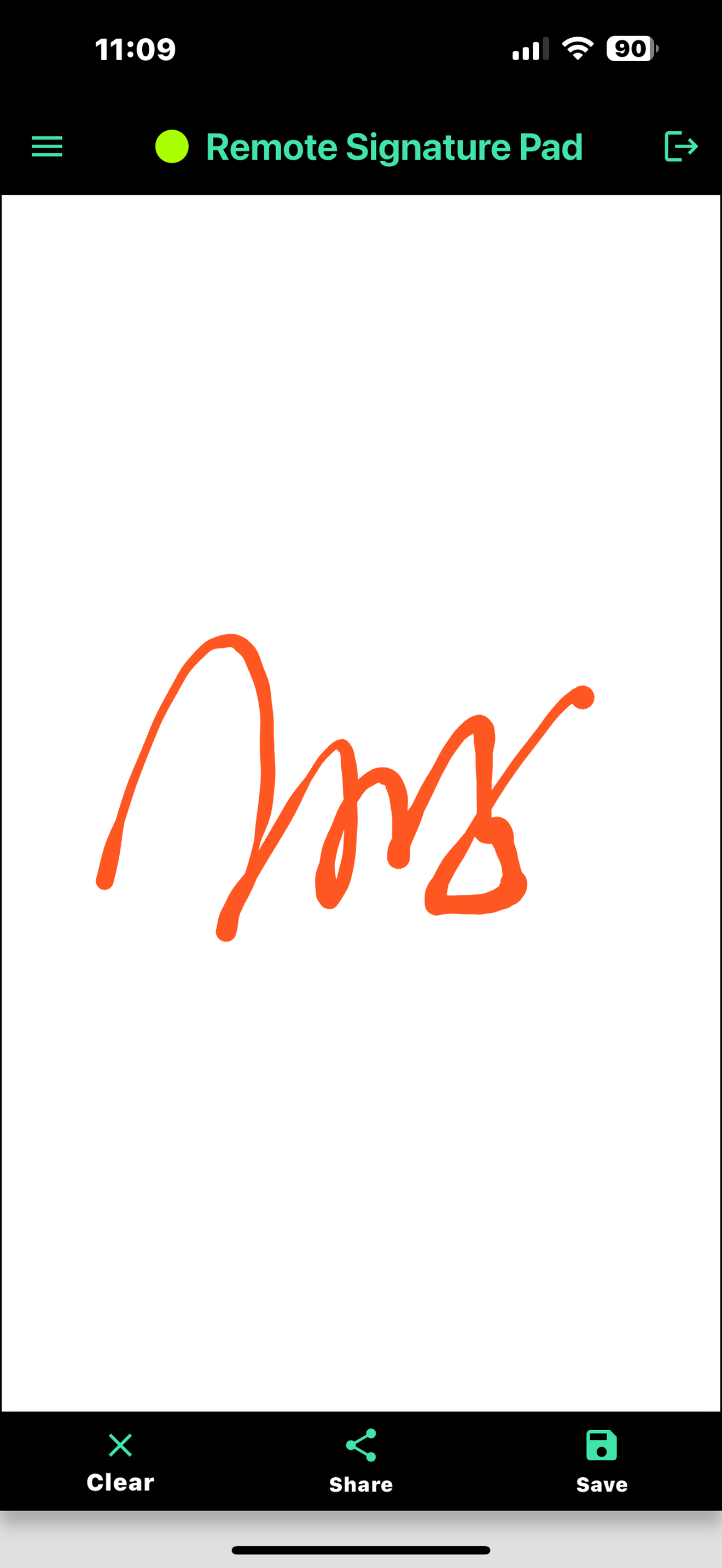
Android or iPhone: what is different?
- Android (7.0 or later) can connect by Wi-Fi, by Bluetooth, or by USB cable.
- iPhone and iPad (iOS 15.5 or later) connect by Wi-Fi, using Forward or Reverse Connection.
Bluetooth works with Android phones that support Bluetooth HID. See the Bluetooth guide and the USB guide for details.
How to try the free signature pad app
- Install Lite from your app store.
- Install the free computer app.
- Connect and sign one document. Follow How it works if you need help.
How to decide
- You are not sure it will work with your setup. Install Lite and test one session.
- You sign now and then. Lite may be enough, since it allows one signing session each day.
- You sign many documents or serve customers all day. Choose the full version, which has no daily limit.
Questions people ask
- Is the computer app free? Yes. It is a free download for Windows 10 or later and macOS.
- Which phones work? Android 7.0 or later and iPhone or iPad with iOS 15.5 or later.
- Can I use Bluetooth on an iPhone? No. Bluetooth and USB connections are available on Android only. iPhone uses Wi-Fi.
- Do I need a signature pad too? No. Your phone is the pad. If you want a dedicated device, see the Tablet Edition.
Next steps
Read how to use your handphone as a signature pad and the PDF signing guide to see what you can do once the app is installed.
More questions about versions and limits are answered in the FAQ, and the Get Now page has the download links.
Leave a Reply