
Many web forms ask you to draw a signature in a box on the page, and a mouse makes that awkward. A signature pad for web forms lets you draw it properly. With Remote Signature Pad, you sign on your phone and the strokes appear in the signature box on the web page in your computer’s browser.
How it works with a web page
The computer app draws your signature by moving the mouse cursor inside the signature area, so it works with a signature canvas on a web page just as it does with a PDF. You tell the app where the box is in one of these ways:
- Manual Sign. Open the tray menu (Windows) or the menu bar icon (Mac), choose Actions, then Manual Sign, drag a box over the signature canvas and sign.
- Save the browser window. Use Select Signature Window to save the browser page that holds the signature canvas. A saved window can be an application or a browser page on Windows and Mac. See Saved Signature Windows.
- Intelligent Signature Field Tracker. Switch it on and the app looks for signature lines, boxes and canvases on its own.
Step by step
- Install the mobile app and the free computer app and connect them. Follow How it works.
- Open the web form in your browser.
- Choose one of the three methods above to mark the signature box.
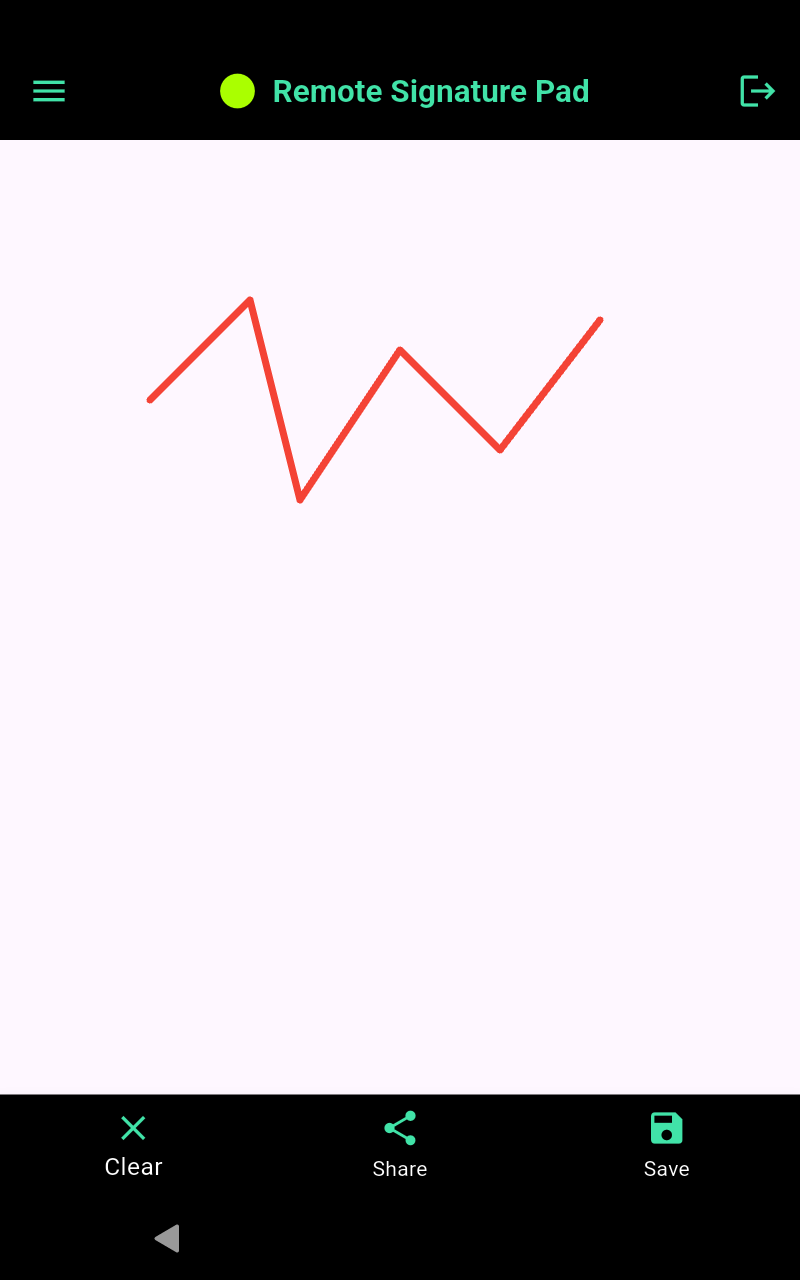
- Sign on your phone. The signature appears in the box.
- Submit the form as usual.
Tips
- If the signature lands outside the box, use Manual Sign to drag a box over the canvas.
- While you sign, the cursor is held inside the area. Press Alt+Shift+Esc to release it.
- For a form you use often, save the browser window once so the app remembers it.
More about the three methods is in how to sign into any signature field. For PDFs, read how to sign a PDF with your phone.
Get started
Get the mobile app from the Get Now page. The Lite version is free and allows one signing session per day.
Leave a Reply