
You open a document and there is a signature box. How do you sign into the signature field from your phone? Remote Signature Pad draws your signature by moving the mouse cursor, so it needs to know where the signature area is. The computer app gives you three ways to tell it.
Manual Sign: drag a box and sign now
Open the tray menu (Windows) or the menu bar icon (Mac), choose Actions, then Manual Sign. Drag a box over the signature field and sign on your phone. Manual Sign overrides every other setting, so it is the best choice for a one-off document.
Saved signature windows: for the program you use every day
If you sign in the same program every day, use Select Signature Window. Click the program window, drag the signature box once, and save it. The box is stored as a proportion of the window, so it follows the window when you move or resize it. Next time you open that program, the app already knows where to sign.
Intelligent Signature Field Tracker: let the app look
The Intelligent Signature Field Tracker is off by default. When you switch it on, the app looks for signature lines, boxes and canvases on any document by itself, using a minimum score that you can adjust. Two shortcuts help:
- Alt+Shift+D marks the current spot as not a signature field.
- Alt+Shift+Arrow keys move between the fields it found.
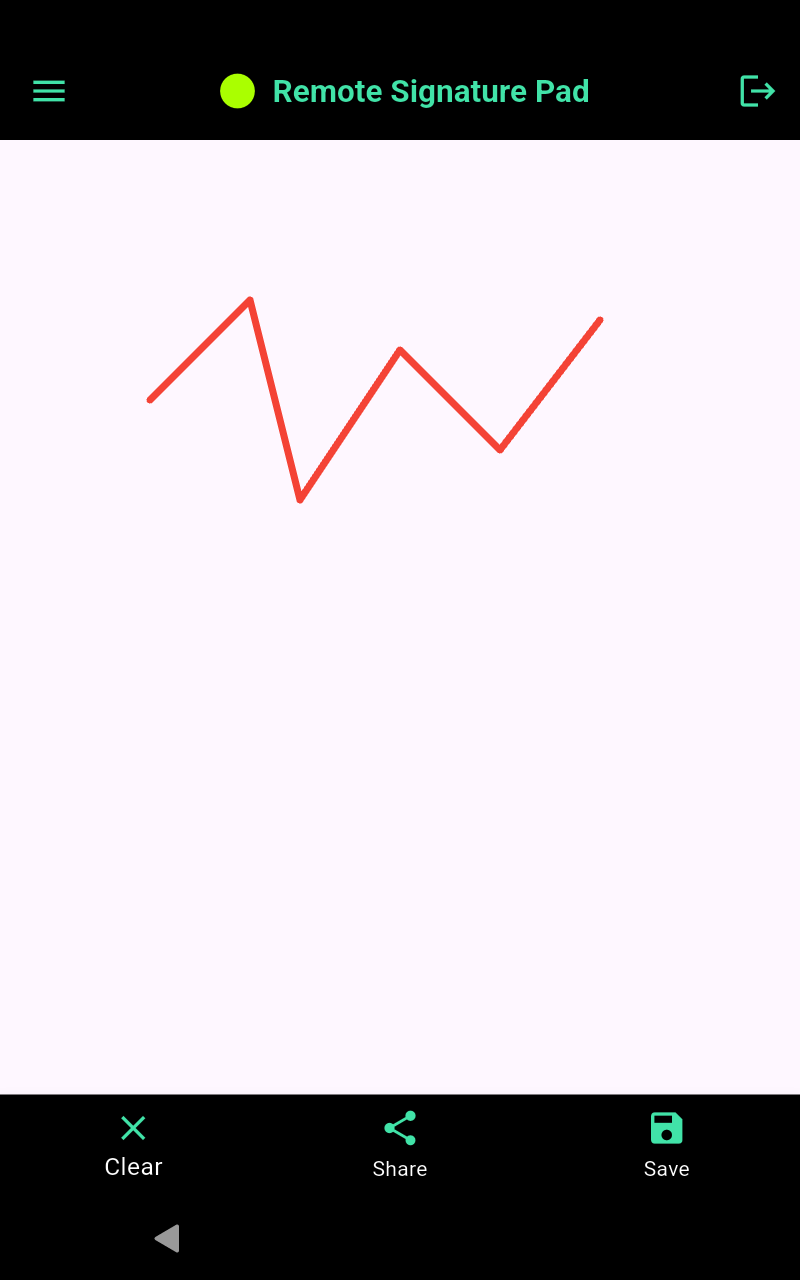
The cursor stays in the box
While you sign, the cursor is contained in the signature area, so your signature cannot land outside the field. If you need to release the cursor, press Alt+Shift+Esc.
Which method should you use?
- One-off document: Manual Sign.
- Same program every day: a saved signature window.
- Many different documents: the Intelligent Signature Field Tracker.
You can read about all of these on the computer app actions page, and the Windows usage guide and Mac usage guide show the menus step by step.
Ready to try?
Which program do you sign in?
The three methods work in any program where you could draw a signature with the mouse. That includes PDF programs such as Adobe Reader, forms in your business or point-of-sale software, and signature boxes on web pages. See how it looks in Adobe Reader in our post on how to sign Adobe Reader with your phone.
Settings to try
- Mouse left click: signing normally uses the left mouse button. You can turn this off for programs that do not need it. See Enable Mouse Left Click.
- Minimum score: the Intelligent Signature Field Tracker uses a score to decide what counts as a signature field. You can adjust this minimum score in the computer app settings.
Connection
All of this works with any connection: Wi-Fi, and on Android also Bluetooth or USB. See forward vs reverse connection if you are not sure which Wi-Fi mode to choose.
Install the free computer app from the Downloads page and the mobile app from the Get Now page.
Leave a Reply