
What is a remote signature pad? Remote Signature Pad is a system that turns your phone or tablet into a signature pad for your computer. You sign with your finger on the phone, and the signature appears in the signature box of the document open on your Windows or Mac computer. There is no dedicated hardware pad to buy.
The three parts
- The mobile app runs on Android (7.0 or later) and on iPhone and iPad (iOS 15.5 or later). This is the pad you sign on.
- The computer app is a free download for Windows 10 or later and macOS. It runs in the system tray or menu bar, receives your strokes and draws them into the document.
- A connection between the two: Wi-Fi, and on Android also Bluetooth or a USB cable.
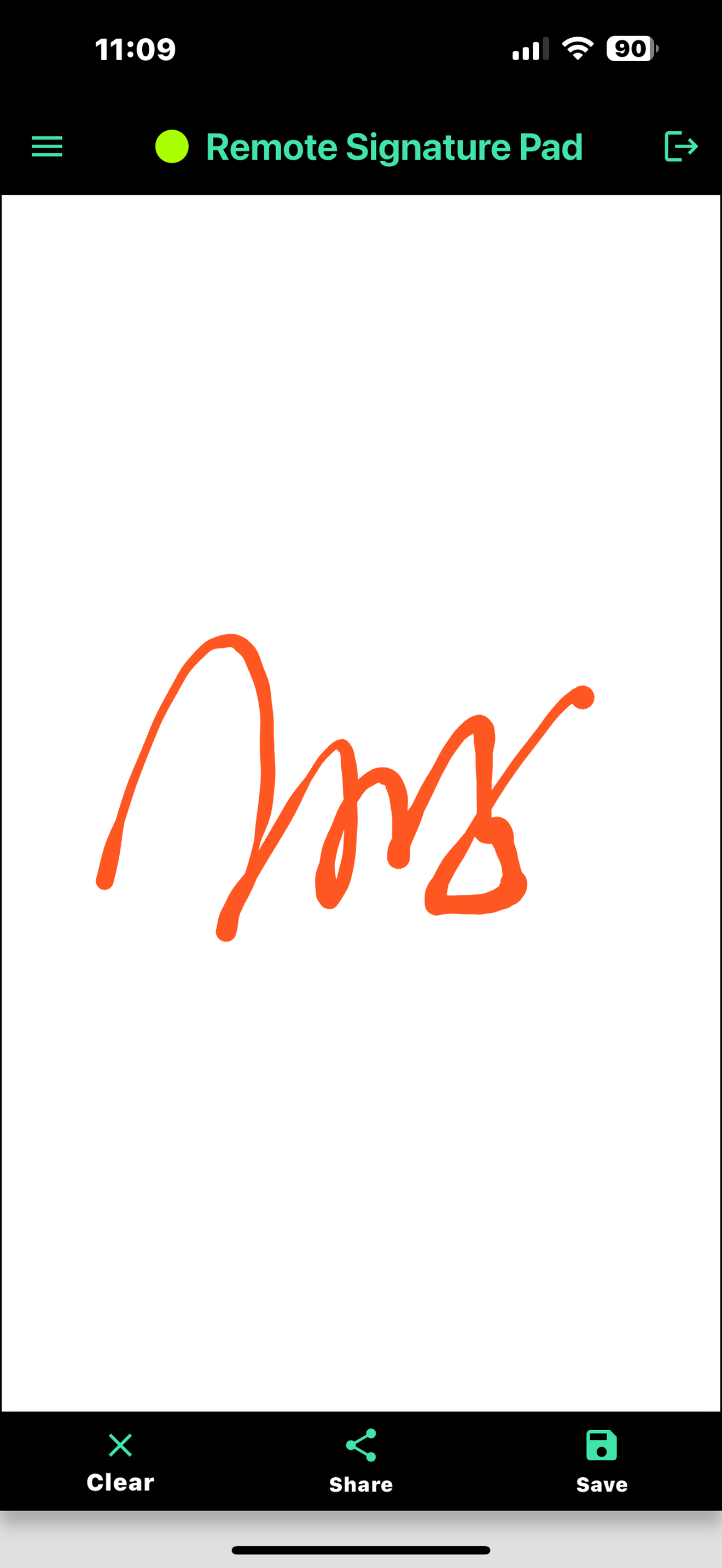
How does it put the signature into the document?
The computer app draws your signature by moving the mouse cursor inside the signature area, the same way you would sign with a mouse. That is why it works with ordinary programs and not only with special signing software: a PDF in Adobe Reader, forms in business or point-of-sale software, and signature boxes on web pages. You tell the app where the signature goes with Manual Sign, a saved signature window or the Intelligent Signature Field Tracker. The computer app actions page explains each one.
A note on the name
Some products with similar names are hardware signature pads built for remote desktop sessions. Remote Signature Pad here is different: it is an app that turns the phone or tablet you already own into the pad.
What it is not
It does not send documents out for other people to sign, and it does not store your documents in a cloud service. It lets you draw a signature into a document that is already open on your own computer.
Free and full versions
The computer app is free. The mobile app has a free Lite version that allows one signing session per day, and a full version with no daily limit. Both are on Google Play and the App Store. See Lite vs full for how to choose.
Where to go next
- How it works shows the three set-up steps.
- How to sign a PDF with your phone is the most common use.
- The FAQ answers common questions.
- The Downloads page has the computer app.
Leave a Reply