
Many shops, clinics and offices need a signature pad for point of sale, but a dedicated signature device is one more thing to buy and connect. Remote Signature Pad lets a phone or tablet do the job. The customer signs on the phone, and the signature appears in the signature box of the program running on your counter computer.
How a signature pad for point of sale works with Remote Signature Pad
The computer app runs in the background on the counter computer (Windows 10 or later, or macOS). When the customer signs, the app draws the strokes into the signature area by moving the mouse cursor. That means it works with any program where you can normally sign with a mouse, whether it is a point-of-sale system, a form in your business software, or a web page.
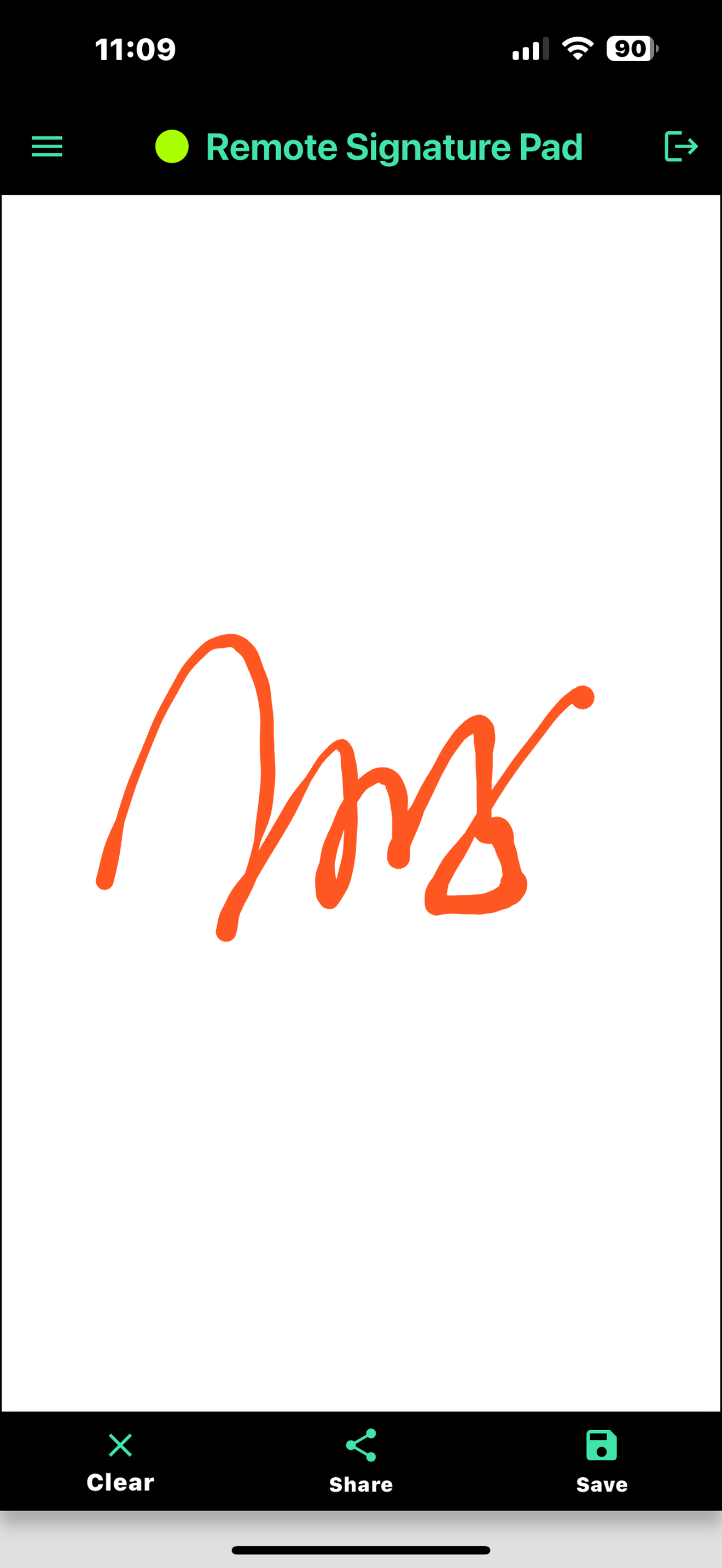
Set it up once, then sign every day
- Install the computer app on the counter computer and the mobile app on a phone or tablet.
- Connect them. On the same Wi-Fi network, Auto Connect finds the computer. Android devices can also use Bluetooth or a USB cable.
- Open your counter program and use Select Signature Window to save the signature box once. From then on, the app remembers where to sign, even if the window moves or is resized.
See the computer app actions for the other ways to point the app at a signature field.
Settings that help at a counter
The mobile app includes settings for the signing screen: ink color, line width, the signer name on saved images and auto clear signature timing. Connections can use SSL and an authentication phrase.
A phone, or a dedicated tablet?
A phone is the quickest start. The free Lite version allows one signing session per day, so a busy counter will want the full version, which has no daily limit. If you want a device that stays at the counter, the Tablet Edition is an 8-inch Android tablet with a stylus that arrives ready to use. Contact us for pricing.
Check before you rely on it
Privacy and security
Connections can use SSL, and you can add an authentication phrase so that only your own phones and tablets can send a signature to the counter computer. If several Remote Signature Pad computers run on the same network, the authentication phrase helps make sure each phone connects to the right one. See Server Authentication.
If the connection drops
The mobile app remembers the last successful Forward connections, so you can reconnect quickly. If Auto Connect does not find the counter computer, use the QR code or the saved address. Our post on a signature pad not connecting has a full checklist.
Try the free Lite version with your own software first, using the Get Now page. If your program lets you sign with a mouse, it should work, and you will see right away how it feels.
Leave a Reply