
The purpose of the Foreground Selection is to select the area to contain the signature within the foreground window. The area is approximately map with similar aspect ratio with respect to the size of the foreground window.
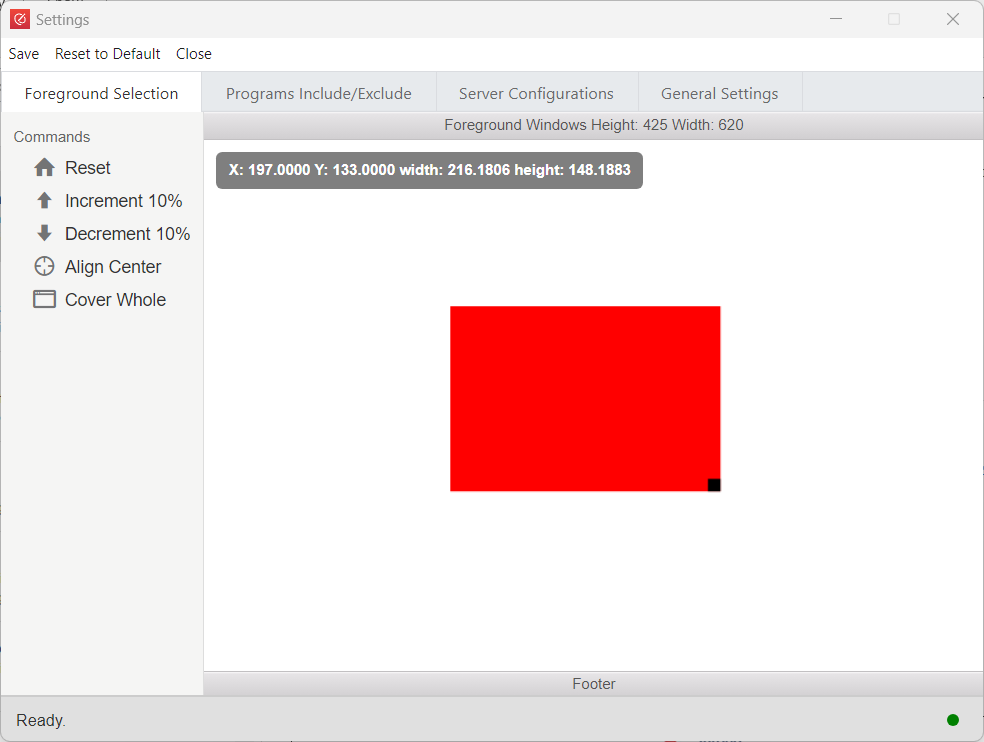
Reset: To reset the window back to the default position as shown
Increment 10%: To increase the size of the window by 10 percent with respect to the top left corner
Decrement 10%: To decrease the size of the window by 10 percent with respect to the top left corner.
Align Center: To align the window to the center.
Cover Whole: To cover the whole area of the foreground.
Besides you can drag to move or resize by clicking the bottom right square.