
Remote Signature Pad features cover how your phone connects to the computer, how the signature is drawn into your document and how the computer app finds the signature area. Choose a topic below.
General Features >>>
Signature Features >>>
Computer Features >>>
Server Features >>>
Signature pad features at a glance
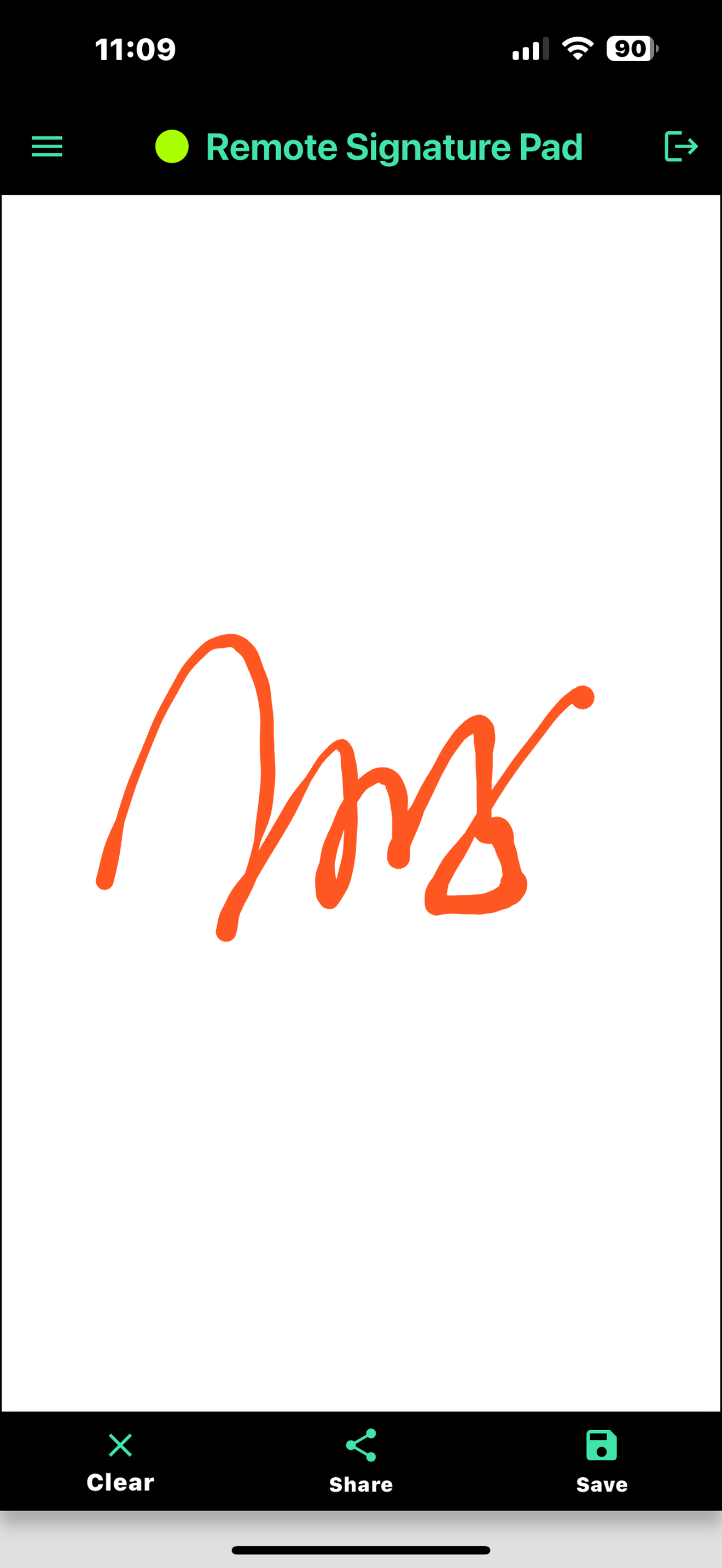
Remote Signature Pad turns your phone or tablet into a signature pad for your computer. Sign with your finger on the phone and the signature appears in the signature box of the document open on your computer, such as a PDF in Adobe Reader, business software, point-of-sale systems or web forms. You do not need to buy a dedicated hardware signature pad.
Connect your way
Connect by Wi-Fi with Auto Connect, a QR code or a typed IP address. Use a Reverse Connection when a firewall gets in the way. Android phones can also connect by Bluetooth or by USB cable.
Realistic signatures
Bezier curve smoothing gives natural pen strokes. Choose your ink color and line width, add the signer name to saved signature images, and optionally record biometric details.
Secure connections
Connections can use SSL and an authentication phrase, so only your own devices send signatures to your computer.
Works on Windows and Mac
The computer app is a free download for Windows 10 or later and macOS. Get the mobile app on Google Play or the App Store, or see the Downloads page and the FAQ.