
A hardware signature pad is another device to buy, connect and carry. If you are looking for a signature pad alternative, the phone or tablet you already own can do the job. Remote Signature Pad lets you sign with your finger on the phone and draws the signature into the document on your computer.
How the phone replaces the pad
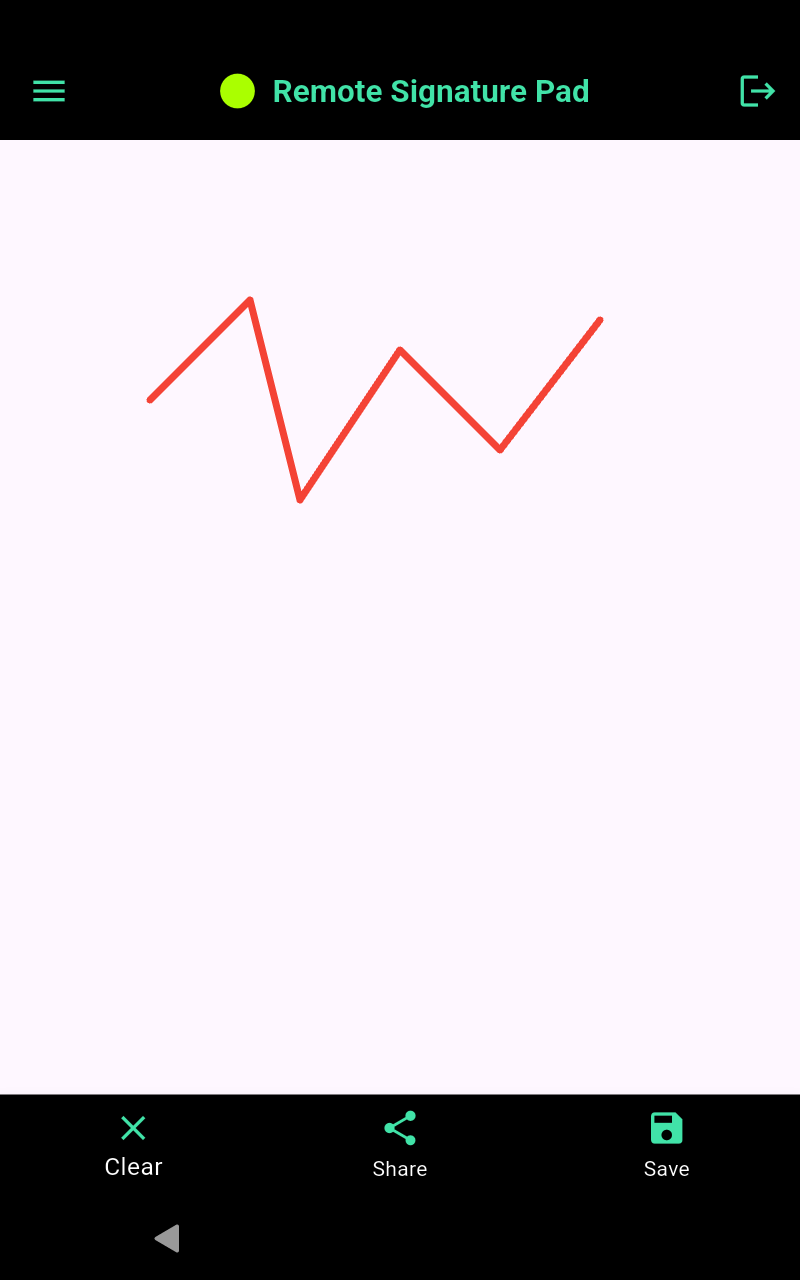
You install the mobile app on your phone and the free computer app on your Windows 10 (or later) or Mac computer. After you connect them, you sign on the phone and the strokes appear in the signature box of the document. It works with programs where you could normally sign with a mouse, such as Adobe Reader, business software and web forms.
What is the same, and what is different
- No extra hardware. You use the phone in your pocket.
- Several ways to connect. Wi-Fi on Android and iPhone, plus Bluetooth and USB cable on Android.
- You choose how it looks. Ink color, line width and Bezier curve smoothing are in the settings.
- It needs a connection. The phone and the computer must be able to reach each other, by Wi-Fi, Bluetooth or cable.
- It signs where a mouse can sign. It works through the mouse cursor, so it suits documents and programs that accept a mouse signature.
The free version limit
The Lite version of the mobile app is free but allows one signing session per day. If you sign all day, for example at a counter, the full version has no daily limit.
If you still want a dedicated device
Some people prefer a device that stays at the desk. The Tablet Edition is an 8-inch Android tablet with a stylus that arrives ready to use. Contact us for pricing.
Try it first
- Install the free Lite version from Google Play or the App Store.
- Install the computer app from the Downloads page.
- Sign one document with the three steps.
If it fits how you work, you have replaced the pad. If not, you have lost nothing. Read how to use your handphone as a signature pad for more detail.
Leave a Reply