Launch a PDF under Adobe Reader. Click E-Sign.

Click Add signature and the below dialog box will appear. Click Draw.
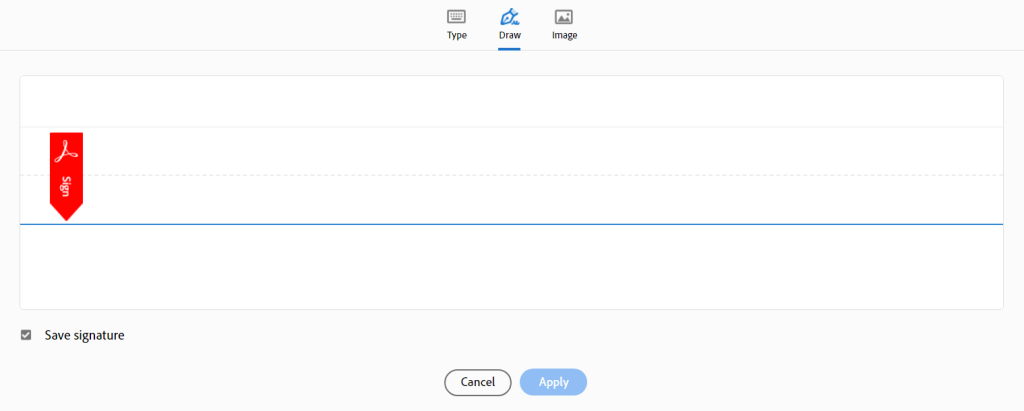
Connect with Remote Signature Pad and Sign!
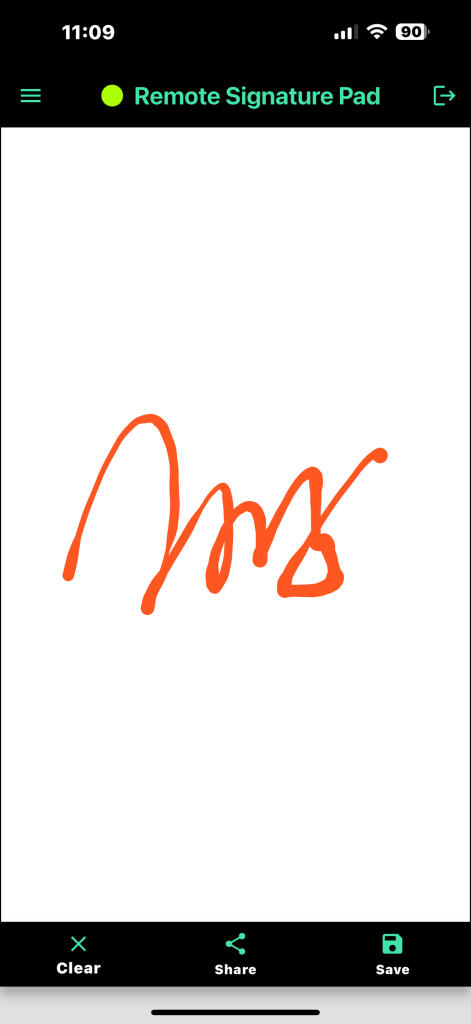
Click Apply in the Adobe Reader dialog to proceed!
Revolutionize your signature pad experience

Launch a PDF under Adobe Reader. Click E-Sign.
Click Add signature and the below dialog box will appear. Click Draw.
Connect with Remote Signature Pad and Sign!
Click Apply in the Adobe Reader dialog to proceed!
Categories
Comments
Remote signing into your desktop
Leave a Reply