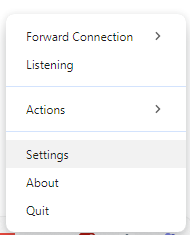
The Remote Signature Pad computer app is a signature pad for Windows and Mac that runs in the system tray or menu bar.
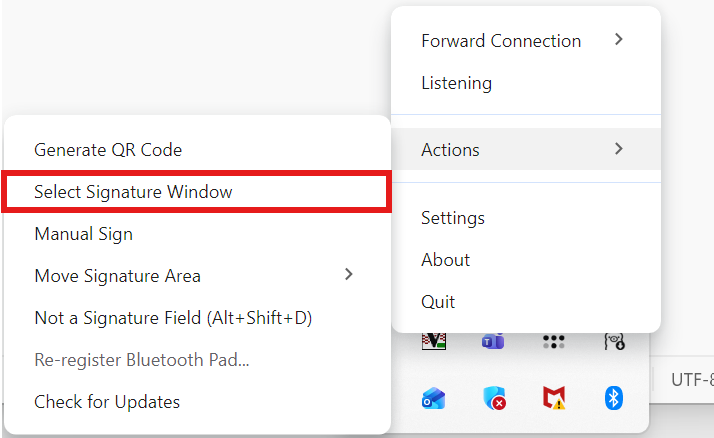
Drag and resize to capture foreground window
Drag and resize feature to enable easy capturing of the dimensions of the foreground Window so that signatures can be signed onto the canvas.

Designate Signing Area in Foreground Window
You are able to designate a signing area within the foreground window if you find the signature are not signing in the correct portion of your foreground Window.

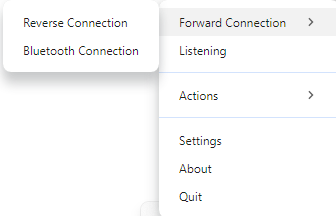
Option to choose Bluetooth, Forward or Reverse Connection
You can choose to use Bluetooth connection for Android Mobile App.
You can choose to use forward connection where the client (Mobile App) initiates a connection with the server (Server App). Conversely, a reverse connection refers to the server (Server App) initiating the connection to the client (Mobile App) instead.
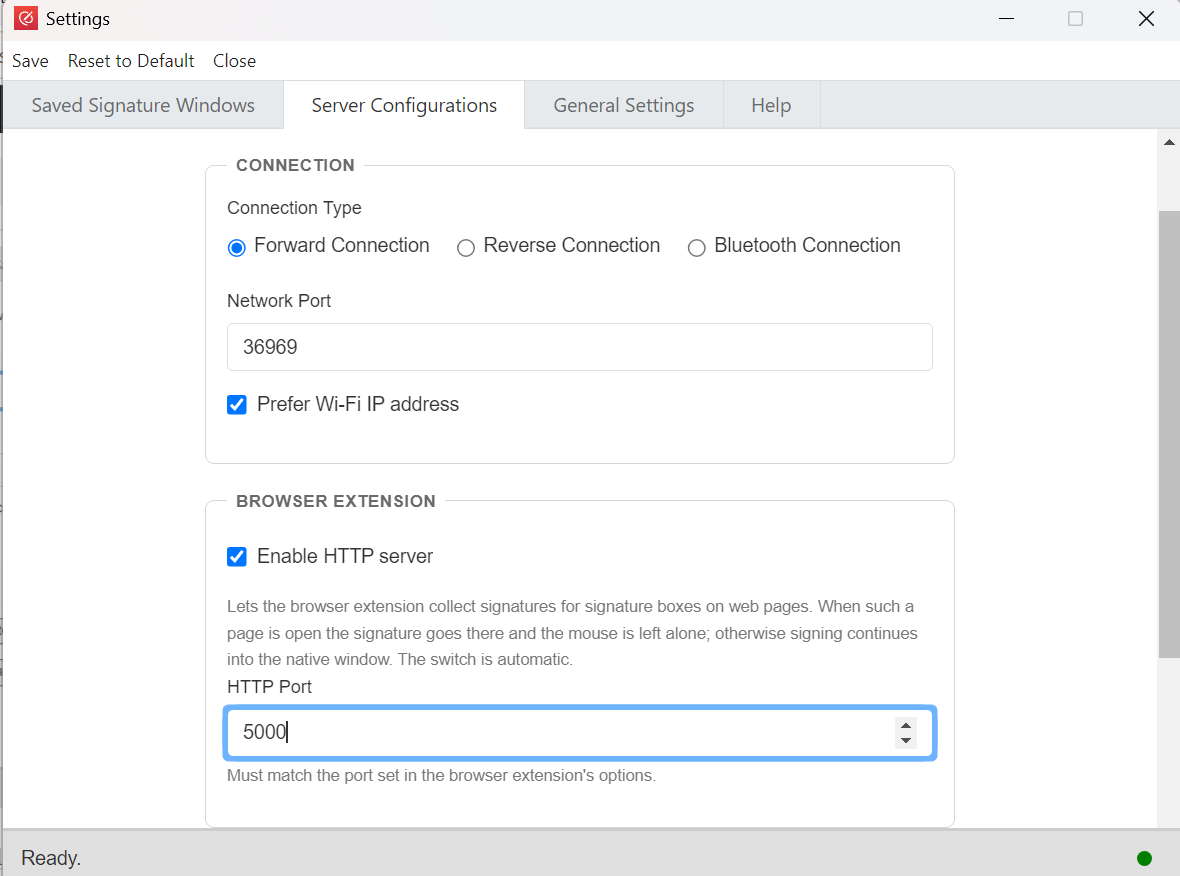
Option to change Network Port
The feature will also help to prevent unauthorized access from another Remote Signature Pad app. It can also help to circumvent any restriction you have for your firewall policies. Please note you have to set the same network port in the Mobile App as well.
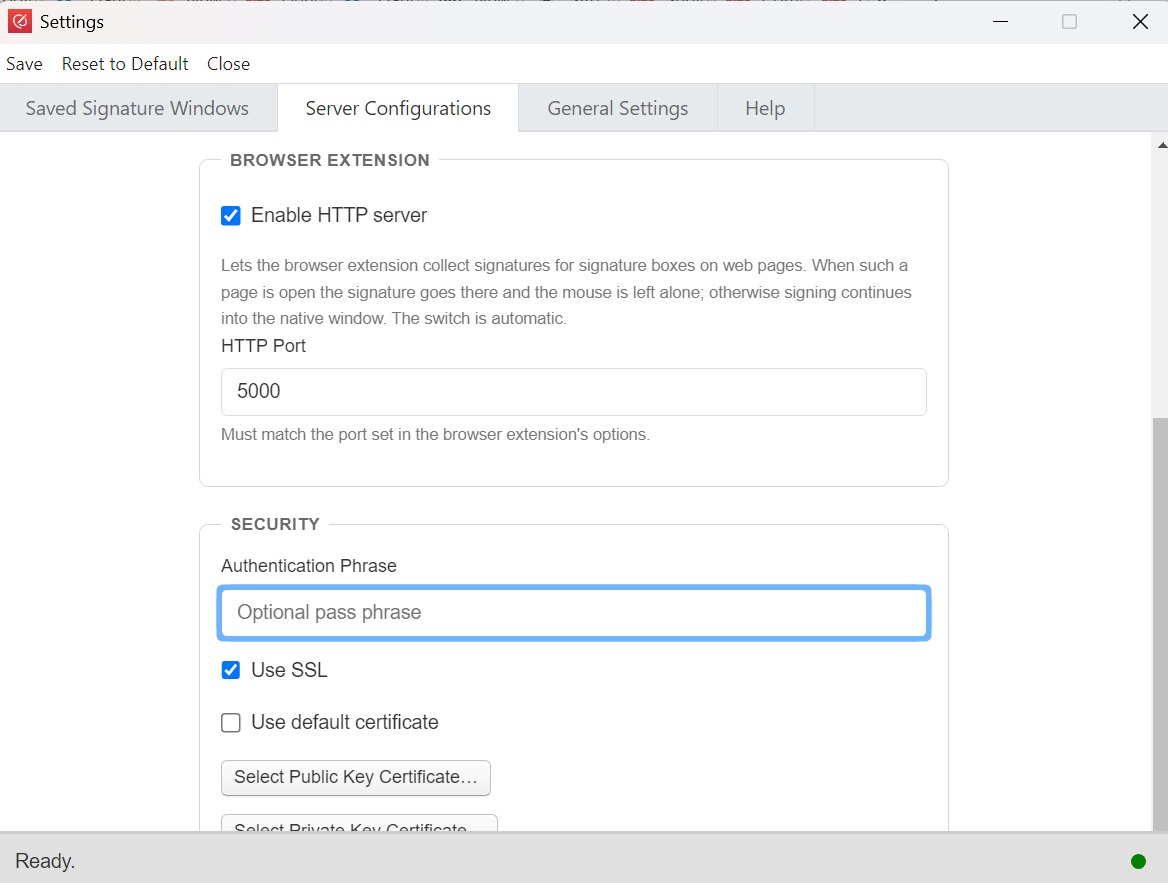
Option to set Authentication Phrase
This feature prevents unauthorized access to your desktop. You need to set the corresponding authentication phrase in the Mobile App as well.
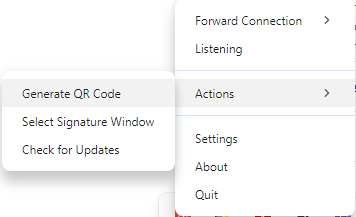
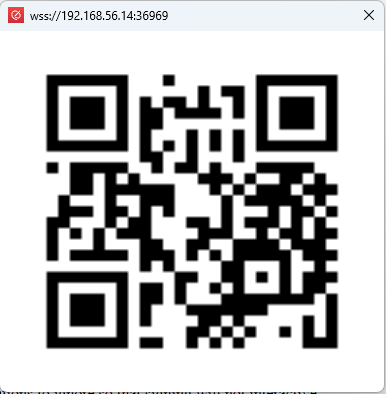
Able to generate QR Code
For manual connect in Forward Connection, a quick method to connect the Mobile App to Server App by scanning the QR Code.
Able to exclude or include programs for foreground detection
You can apply exclusion for some applications to ignore so that signing will not interactive affect non signature foreground.
If you apply inclusion for certain applications, any other applications will be ignored including exclusion applications.
Option to use SSL in connection
You can opt to use a clear unencrypted connection. However, it is always recommended to use an encrypted SSL link to prevent unauthorized access.
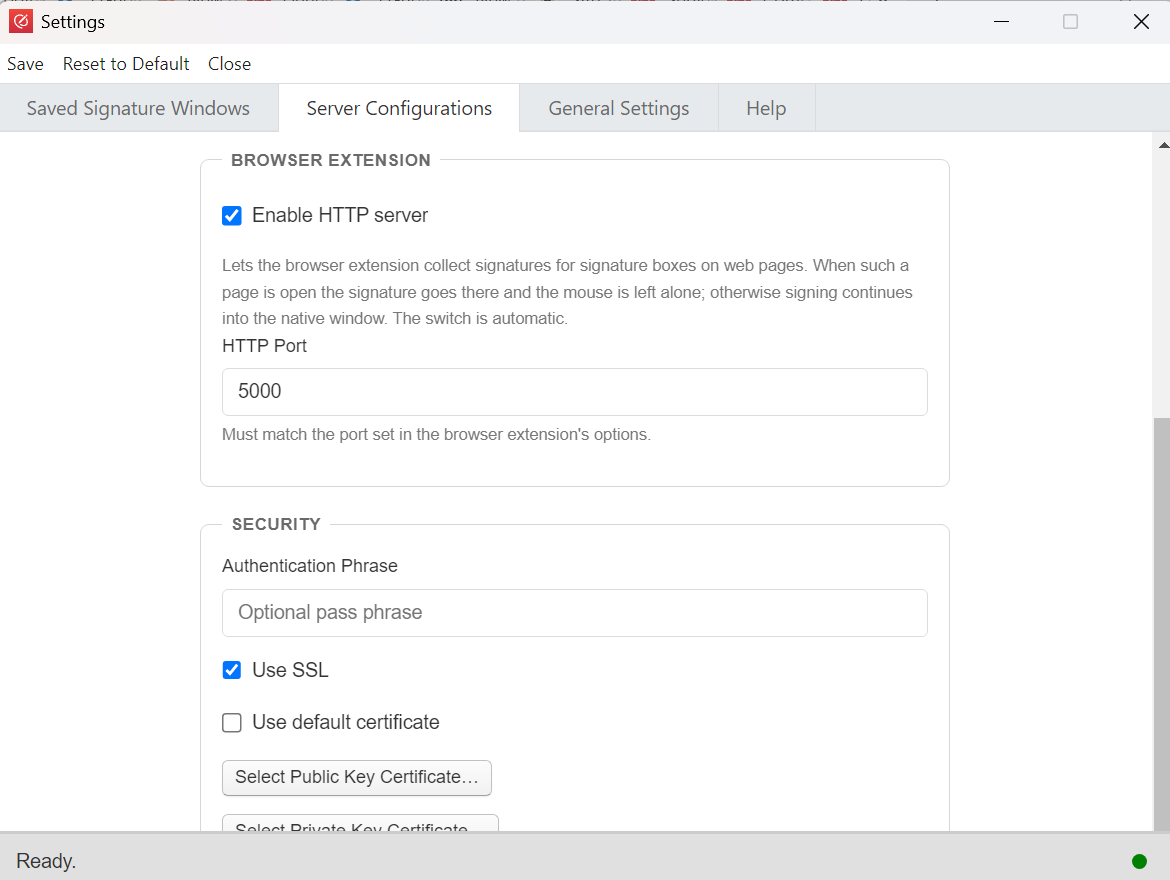
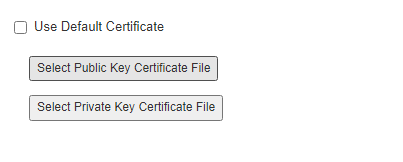
Option to use custom certificate instead of the default certificate
If you or your organization has a security policy to use your own SSL, you can add a public key as well as a private key to the server.
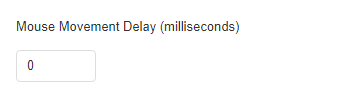
Able to set mouse movement delay
Ideally, it should be set 0 for well resource machine. However, there are some desktops with limited CPU or memory in which it is unable to register left mouse click ink on the canvas in time. Hence the delay will allow it to register the left mouse click ink before moving off to the next location. This will show a slower signature stroke though.
Run program automatically upon desktop startup
This feature allows the Server App to automatically start up during Windows/Mac bootup.

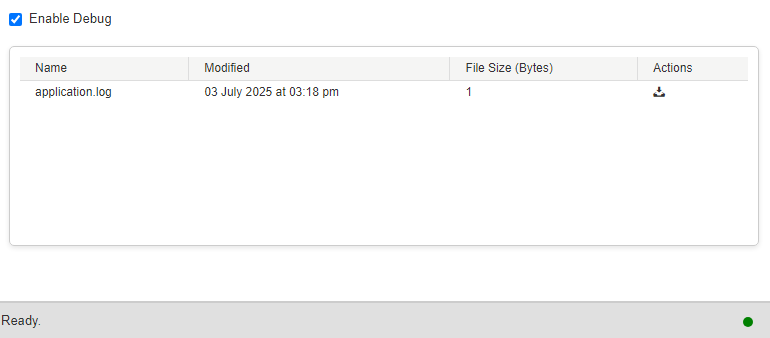
Enable Debug
If you encounter any issues in using the applications, you can enable debug and go and repeat the actions that you think it cause the issue. Once done, you can go and download the application.log and send to us for analysis! We will get back to you once we ascertain the issue!

Manage debug logs
You can opt to download or delete the debug logs