
Signature Windows refer to the windows which hosts the signature canvas. The hosting window can be an application or a browser page in both Windows and Mac.
Once the signature window is up, you can click Actions->Select Signature Window.
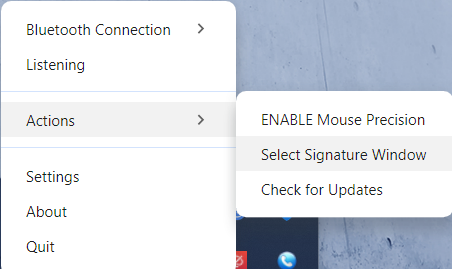
The cursor will change to a plus cursor. You can click on the window and it will select like the below with a red border.

Click Save to record the window attributes or Cancel to remove the selection. Once it is saved, you can go click Settings and then click the tab Saved Signature Windows.
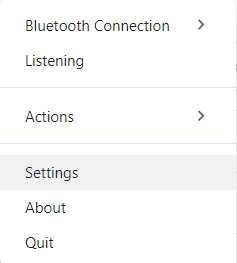
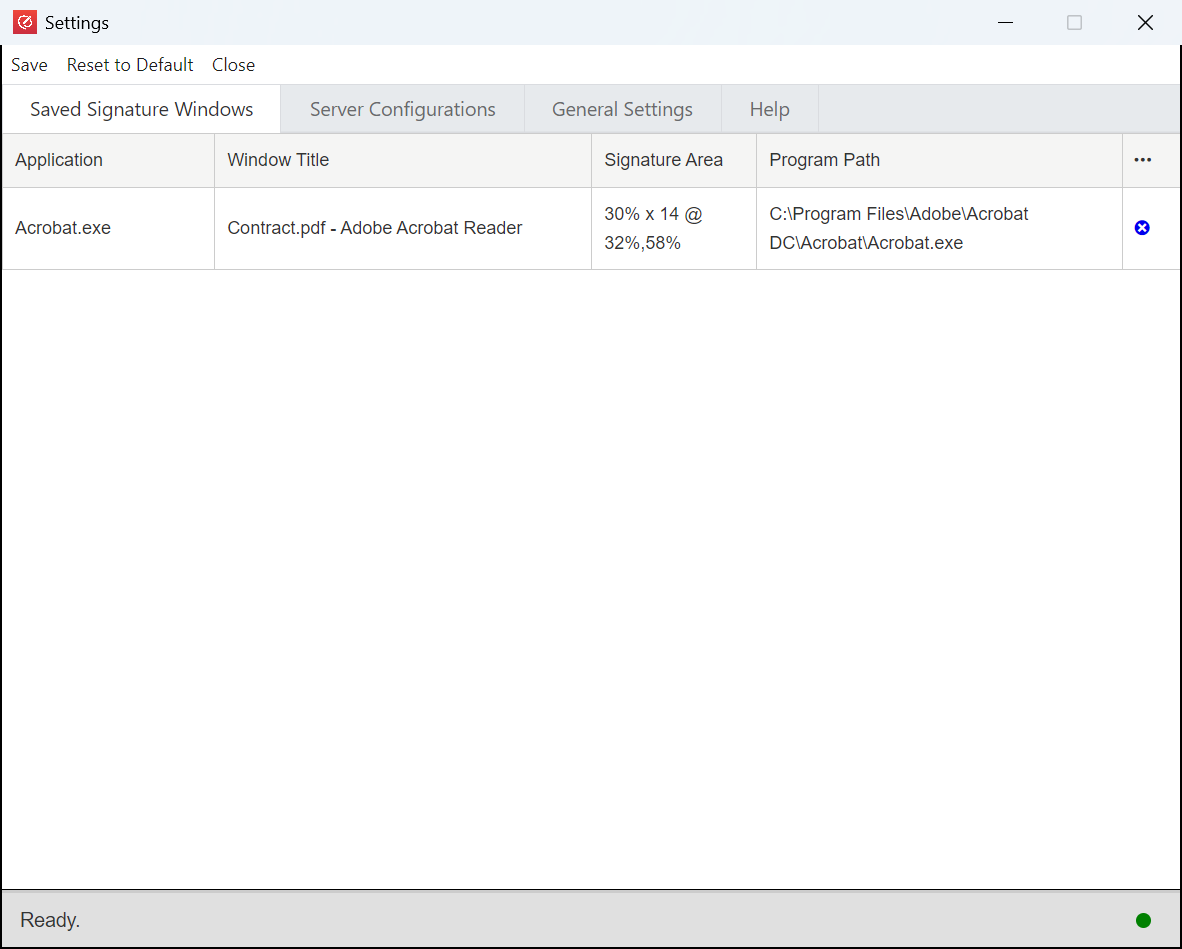
The default checked boxes are the attributes used to identify the windows. You can of course make it stricter by checking all the checkboxes.
Click the x button at the last of the column to remove the window attributes. Please click Save at the top menu.